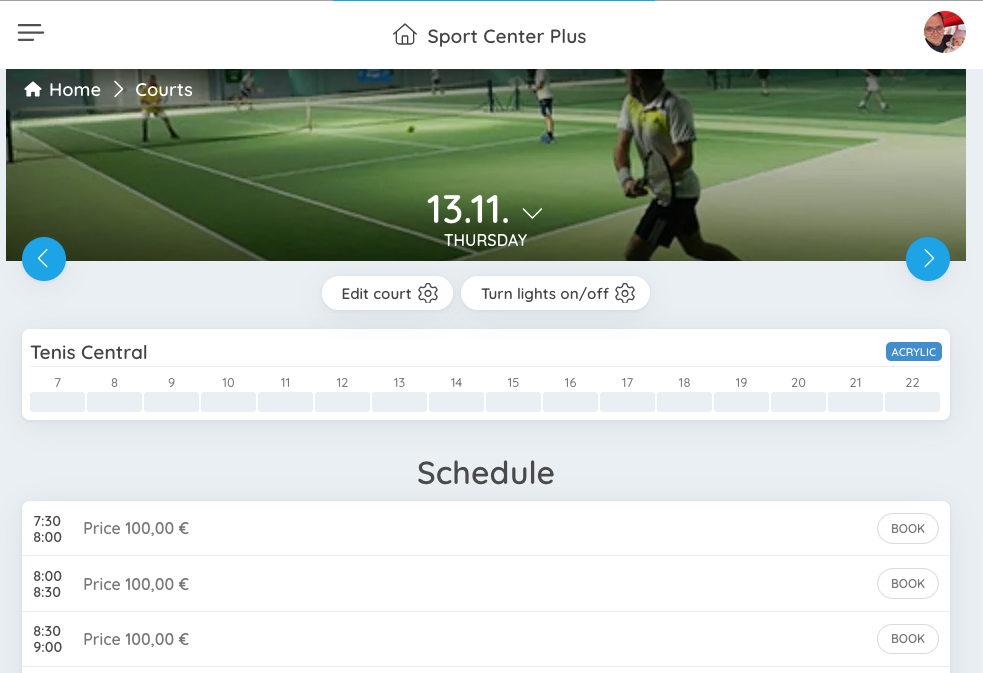
Shelly
SportyPlus is a registered integrator for Shelly Cloud. Please use the Shelly app to connect your devices to Shelly Cloud.
After your devices are working with Shelly Cloud, use these instructions to connect them to SportyPlus.
Authorization
In order for us to be able to connect to Shelly Cloud, an admin needs to authorize access.
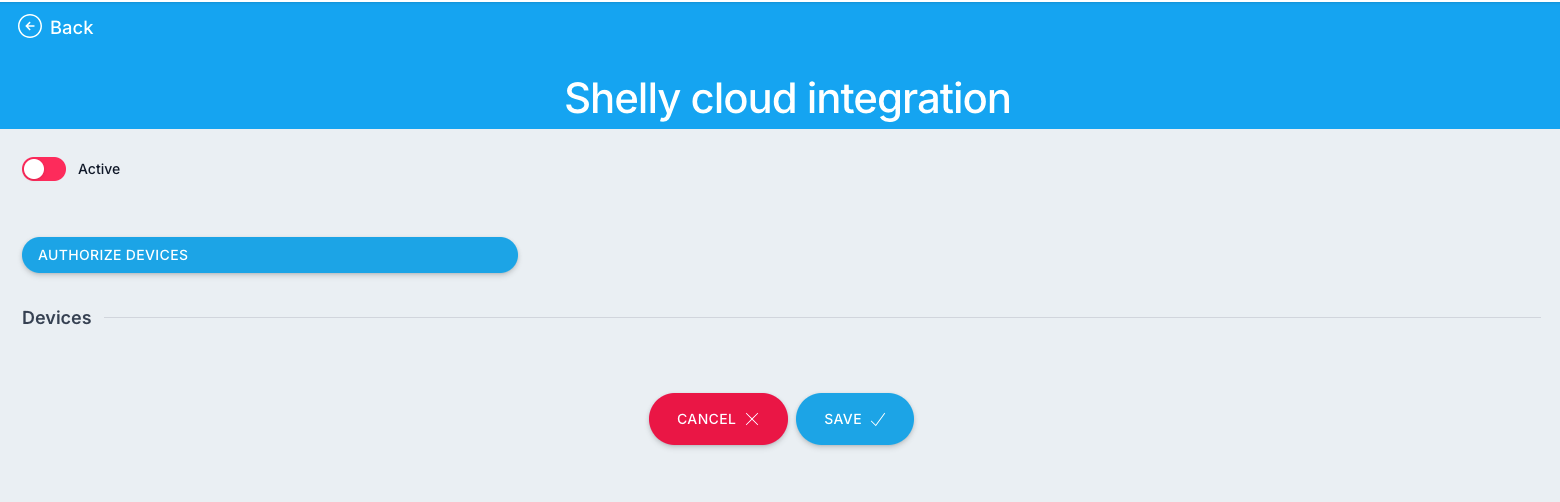
Please visit: /admin/app/business/integrations/shelly as a club admin. Click on the Authorize devices button.
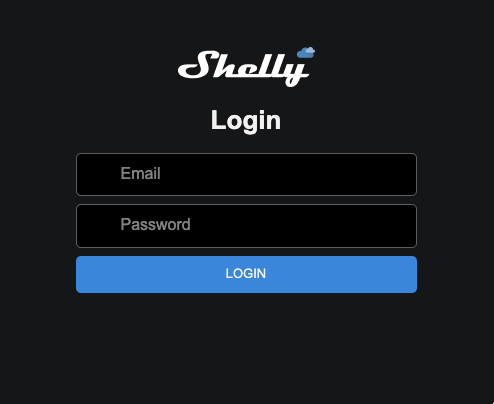
You will be redirected to Shelly website where you will need to log in with Shelly Cloud credentials.
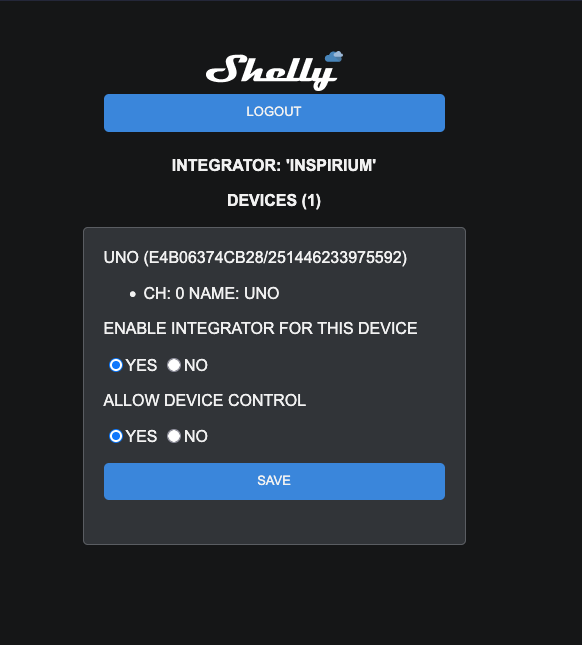
After successful login, all of your devices will be listed. Click on each one and enable both checkboxes and Save:
Pair devices
After you authorize all the required devices, please return to /admin/app/business/integrations/shelly. You will now have a list of authorized devices.
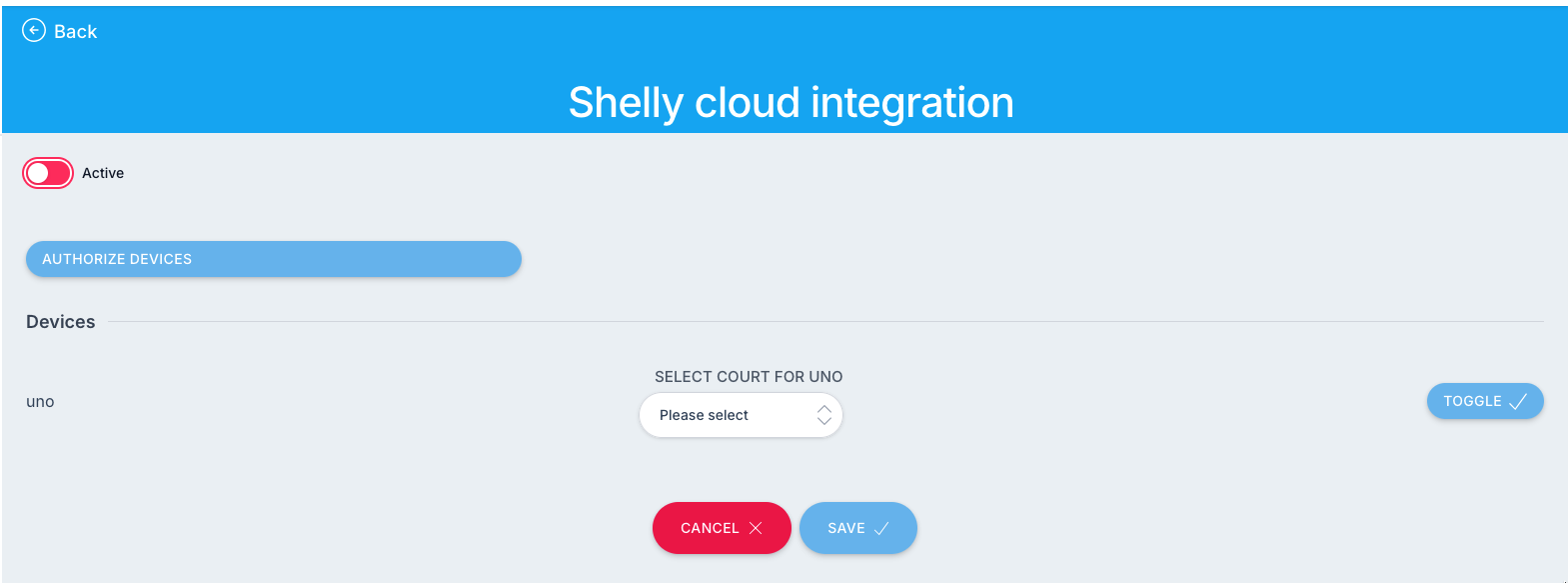
You may test the integration with the toggle button. The button will send the toggle request to the device.
Please use this screen to pair up all the devices to courts in your club. That will enable the Lights switch in the app. Make sure to also check Active switch to enable integration.