Leagues
Leagues are competitions played over weeks, in groups, with a table. Knockout events are Tournaments, and competitions that repeat are planned competitions. For how each format plays from a player's side, see How competitions work.
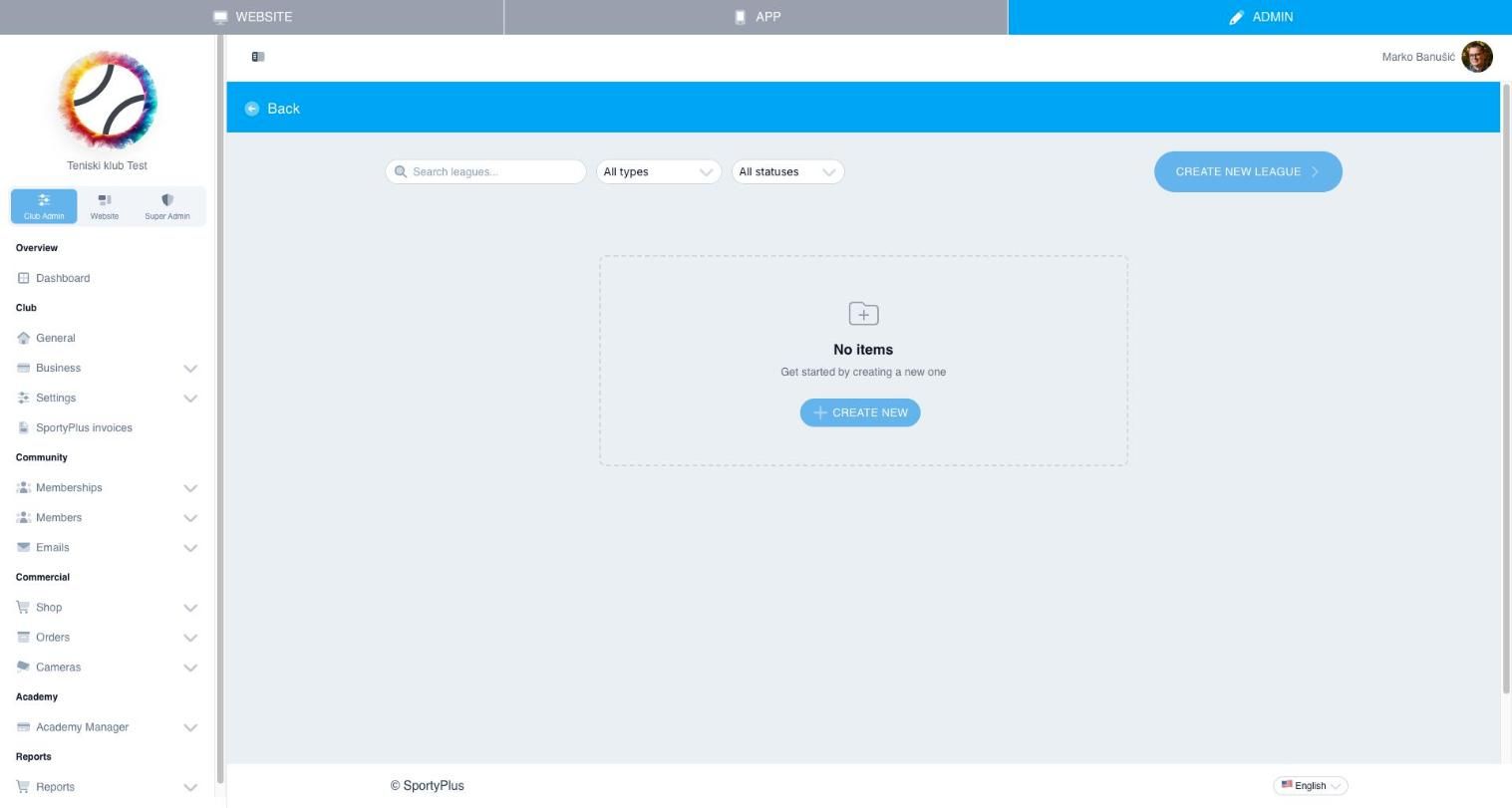
Manage leagues from Club Admin → Competitions → Leagues.
League formats
When you create a league, choose its Format:
| Format | How it works |
|---|---|
| Groups | Players or pairs are split into groups and everyone in a group plays everyone else (a round robin). The table ranks by the league's points. When a league runs in cycles, the top finishers move up a group and the bottom ones move down. |
| ELO ladder | One group, ranked by rating. Every result moves rating points from the loser to the winner, more for an upset (Elo rating system, K-factor 32). |
| Padel league | For doubles players without a fixed partner. Players sign up alone with a side, left or right, and the league pairs them; pairs change, and the table ranks players. |
| Americano | Rotating partners and individual points, for 4 to 24 players. When the count doesn't divide into fours, players sit out in turn. The table ranks by points per game played. |
| Mexicano | Like an americano, but each round is paired from the standings so far, so its games are drawn one round at a time. |
A league created before the CMS offered these formats may show Groups, ranked by rating. It is scored as an ELO ladder and keeps that format.
Points
The Points section of a league's settings scores each match:
- For a win — to the winner;
- For a draw — to each side, shown only for a sport that has draws;
- For a loss — to the loser, for playing the match;
- To the loser, for each set won — a consolation for a close match;
- Off the winner, for each set lost — taken from the winner's points.
In a rally sport, such as badminton or pickleball, the last two count games instead of sets. An ELO ladder ignores these and scores by rating.
Ties in a table break on head to head, then set difference, then game difference. In a rally sport the differences are in games and points; in a single-score sport, goals.
Running a league
A league has these tabs: Settings, Players, Groups, Matches, Schedule and Standings.
Its status controls what players can do: Draft, Sign-up open, Sign-up closed, In progress and Finished. When you start a league, choose how the players are put in groups — Randomly, By strength, or As the groups are now — and the matches are drawn.
Replace a player or redraw a group
While a league is being played, open a group in the member app to find two more actions:
- Replace a player — pick who is being replaced, then the substitute. The substitute takes their place in every game of the group not yet played, with the same partner and booked court. Games already played stay as they are, and both players keep the points from the games they played.
- Redraw the group — every game of the group not yet played is drawn again from the players in it now. Played games stay. If the league's courts were booked for those games, book them again.
Waiting lists and leagues that repeat
A league takes sign-ups only while it has places and its sign-up is open. When it is full or closed, the member app says so and doesn't put players on a waiting list. If your club runs planned competitions that are taking sign-ups, the app points players to them instead.
For a fixed number of places with a waiting list, or a league that runs every week or every few weeks, set it up as a planned competition. The league you've built becomes its template. On a league that hasn't started, the Settings tab offers Create a planned competition to do this in one step.
Printing the schedule
To print a league's schedule as a PDF, open the league in the member app and choose Print schedule. It can be printed By group, By day, or as Upcoming matches only. Americano and mexicano groups are printed round by round, with the pairs in each match and who sits out each round.