Interface
Emails
Here we learn how to send and manage emails
Use Emails to send campaigns to your members and manage the automated (transactional) emails your club sends.
Manage everything from Club Admin → Community → Emails.
Campaigns
The Emails list shows every campaign you've sent or drafted, with its subject and send date.
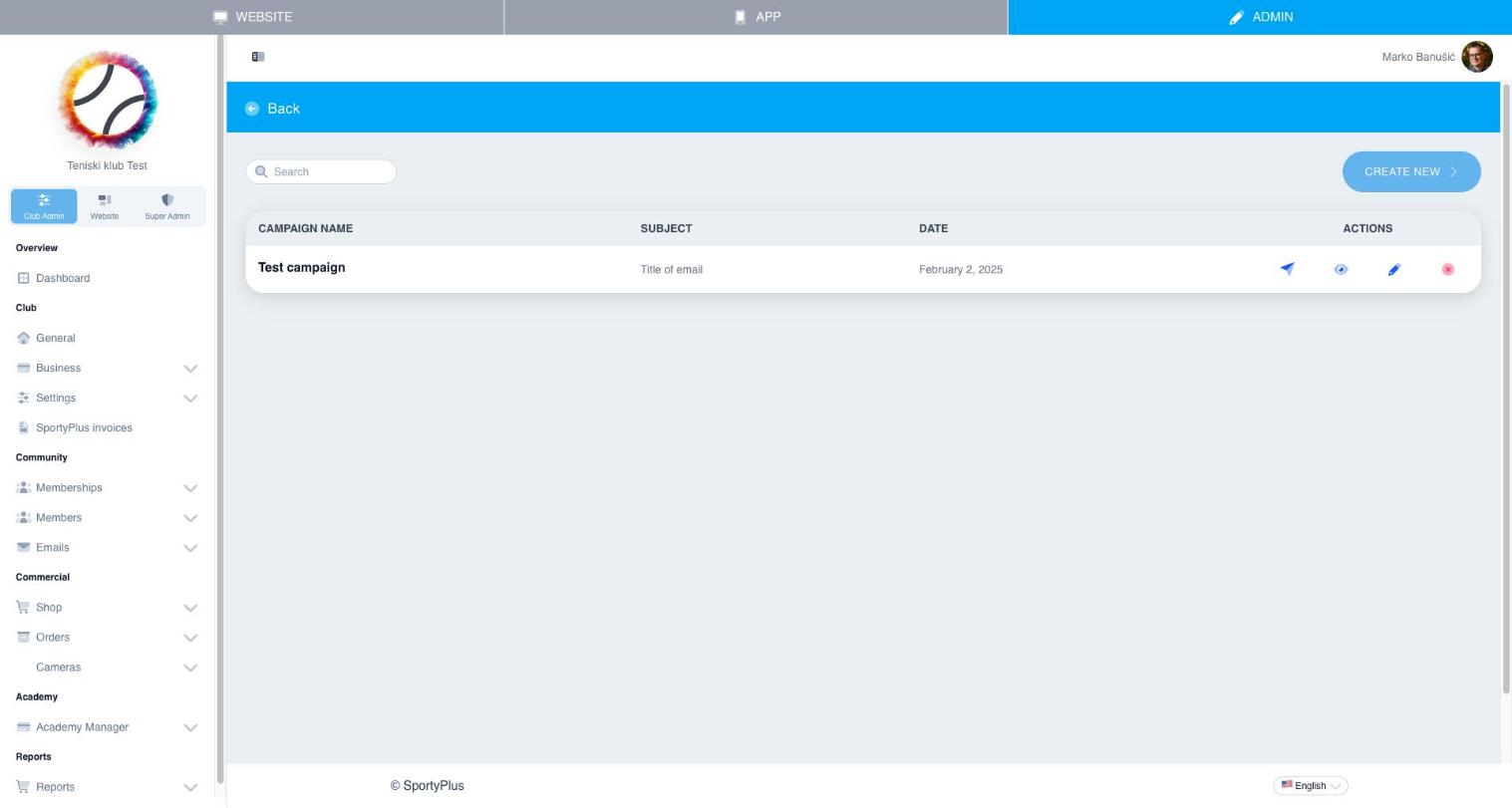
Use Compose new to write a new campaign — pick recipients, write a subject and body, and send it to your members.
Email templates
Email templates let you save reusable layouts so campaigns share consistent branding and structure.
Transactional emails
Transactional emails are the automated emails SportyPlus sends on your club's behalf — booking confirmations, receipts, password resets, and similar system messages. You can review and customize their content here.