Pages, hero and footer
Hero
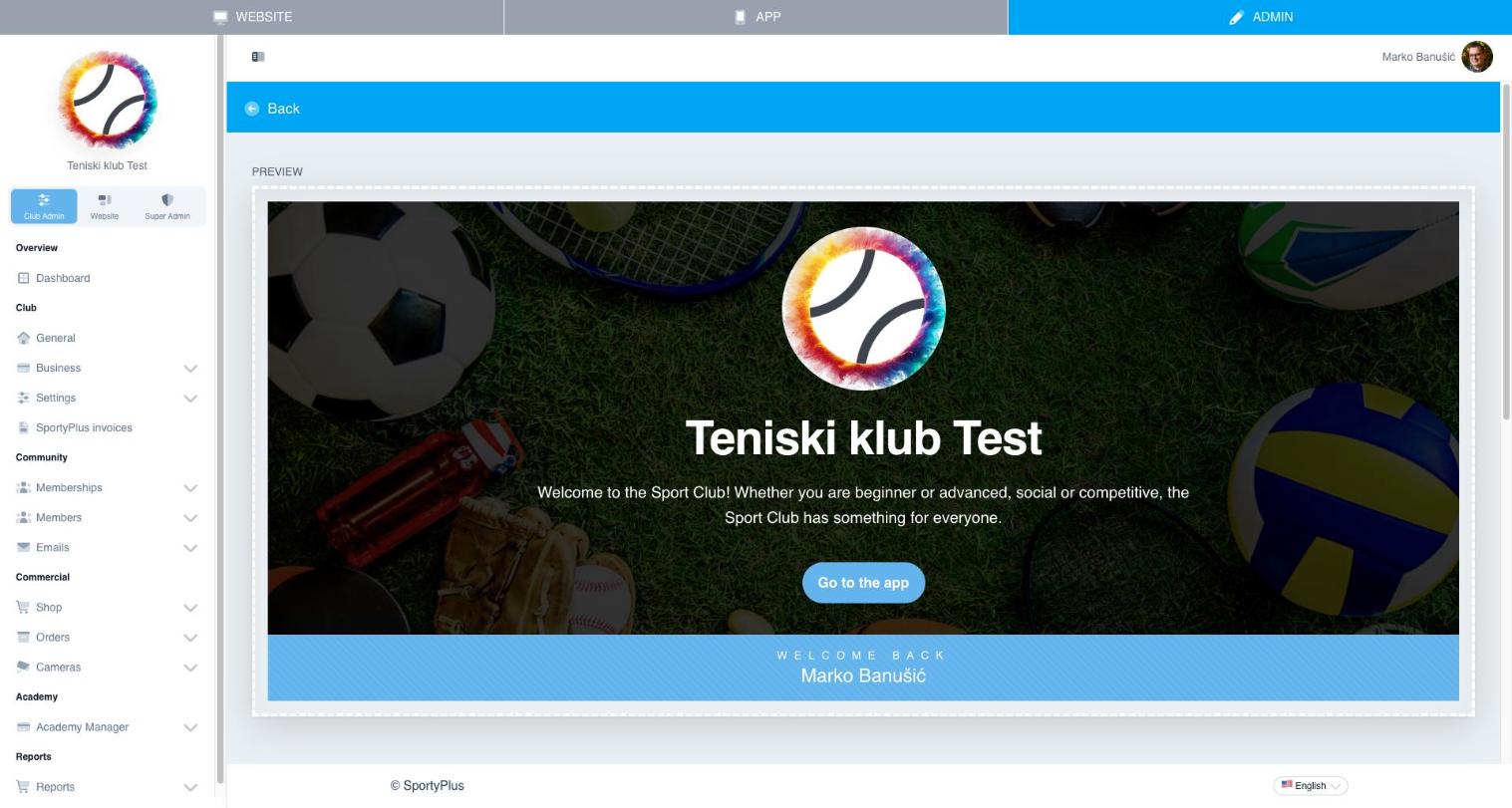
The Hero module is the banner at the top of your homepage — your club name, logo, a welcome message, and a call-to-action button. Edit it under Website → Hero; the preview updates live as you type.
Pages
Website → Pages manages custom content pages — an "About us" page, a sport explainer, a community page, and so on.
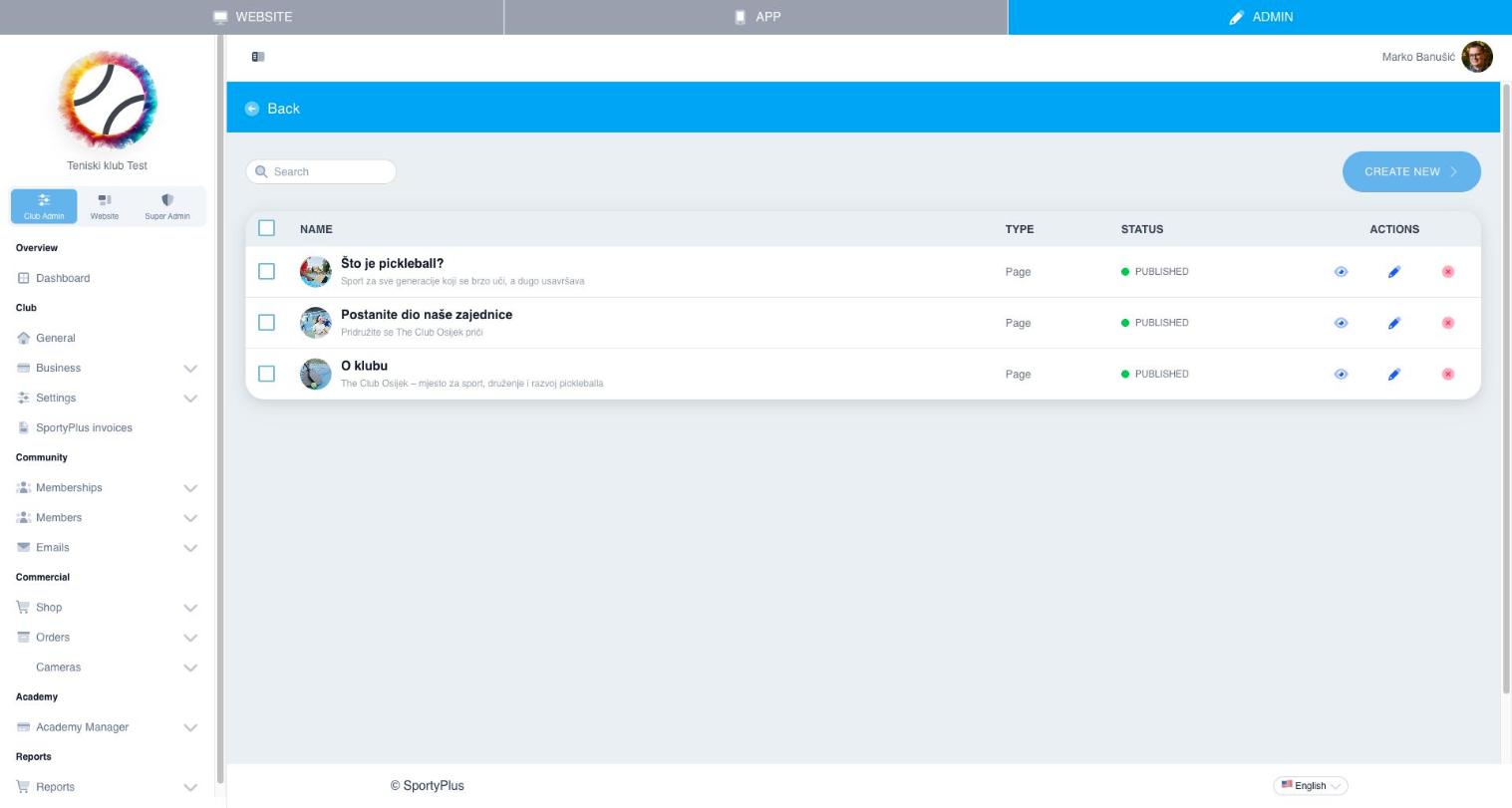
Each page can be published or left as a draft, and once published it can be added to the navigation menu or linked as your Terms and conditions / Privacy policy.
CTA
The CTA (call-to-action) module is a banner section you can place anywhere on the homepage to drive visitors toward a specific action, such as signing up or booking a court.
Footer
Website → Footer controls the content shown at the bottom of every page — contact info, social links, and any custom footer text.