Interface
Reports
Here we learn how to read club reports
Reports give you insight into how your club is performing — bookings, revenue, and member activity.
Find them under Club Admin → Reports.
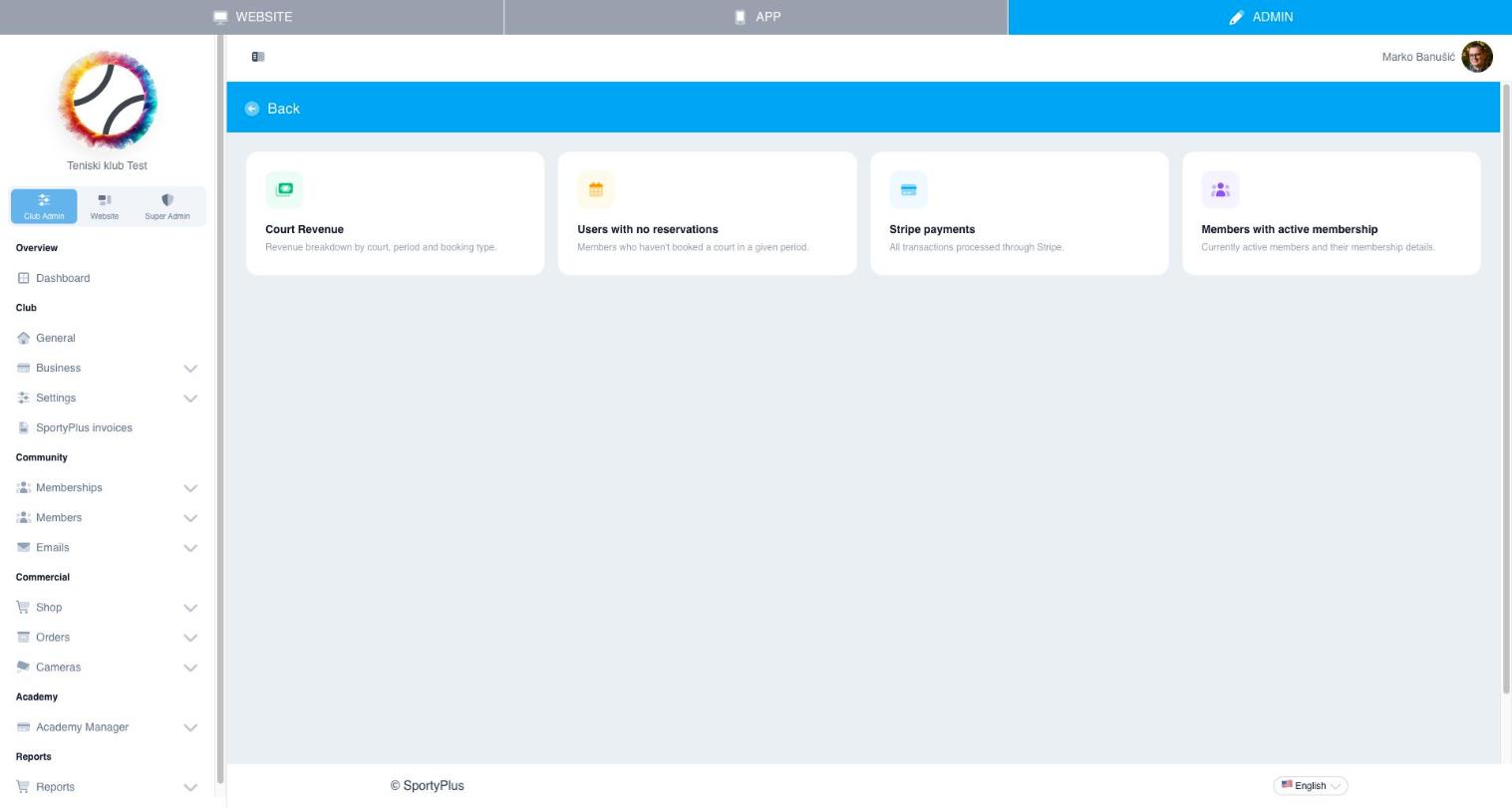
Available reports
- Court Revenue — revenue breakdown by court, period, and booking type
- Users with no reservations — members who haven't booked a court in a given period, useful for re-engagement
- Stripe payments / Card transactions — all transactions processed through your card gateway
- Members with active membership — currently active members and their membership details
The dashboard (Club Admin → Dashboard) also shows live at-a-glance stats: today's reservations and revenue, weekly/monthly trends, cancellations, and the busiest courts.