Administrators and roles
Staff get into the admin by being made an administrator of the club. Roles then add or limit specific permissions.
Adding an administrator
Club Admin → Community → Members → Administrators
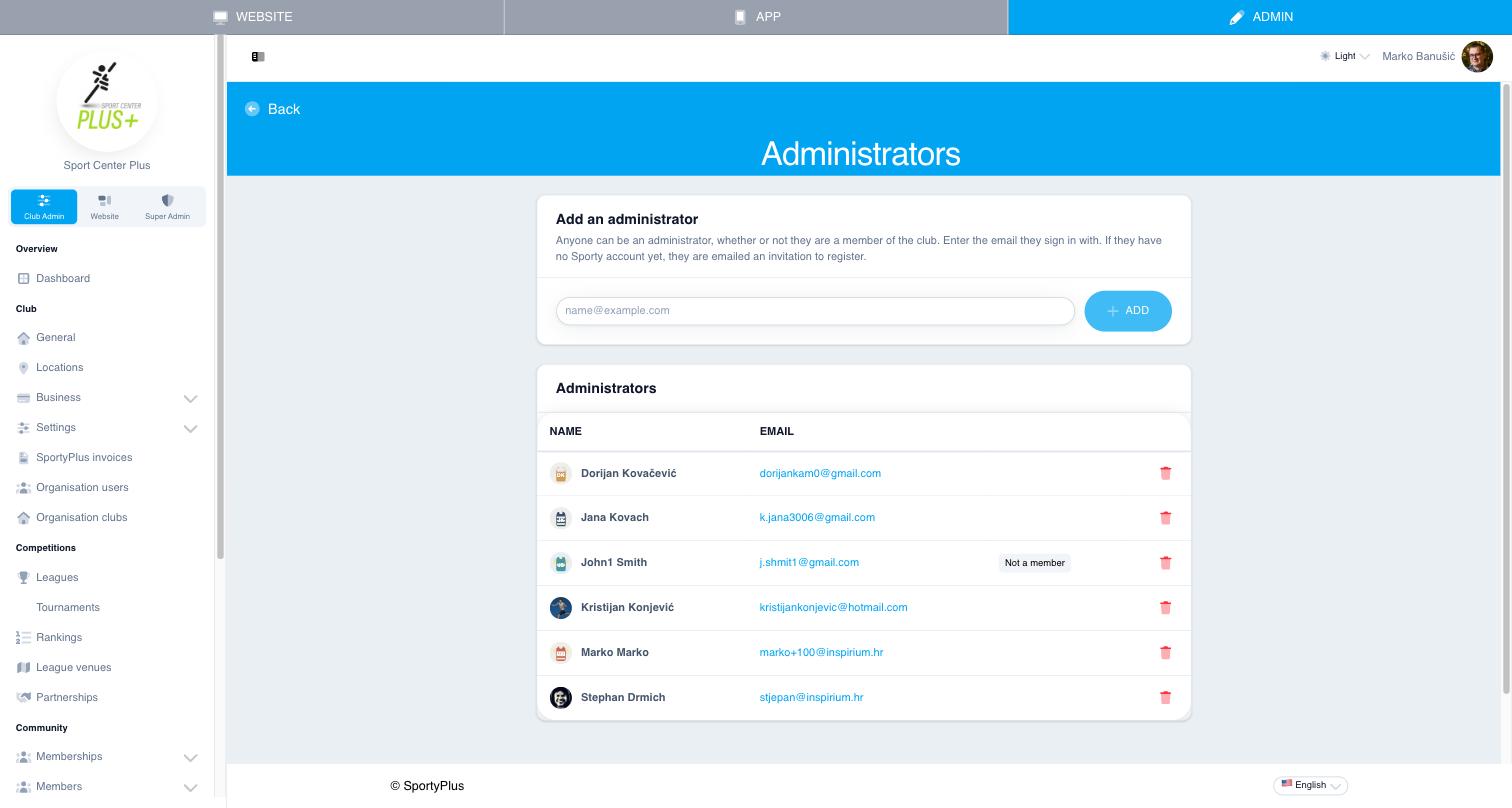
- Under Add an administrator, type the email address the person signs in with.
- Choose Add.
The person doesn't need to be a member of the club. Staff who don't play are marked Not a member in the list.
If no SportyPlus account uses that email, the person is sent an invitation. They become an administrator as soon as they register from the link in it. Pending invitations are listed with their expiry date: an invitation lasts 14 days, and Resend sends it again.
To remove someone's access, choose the bin icon on their row. You can't remove yourself.
Roles
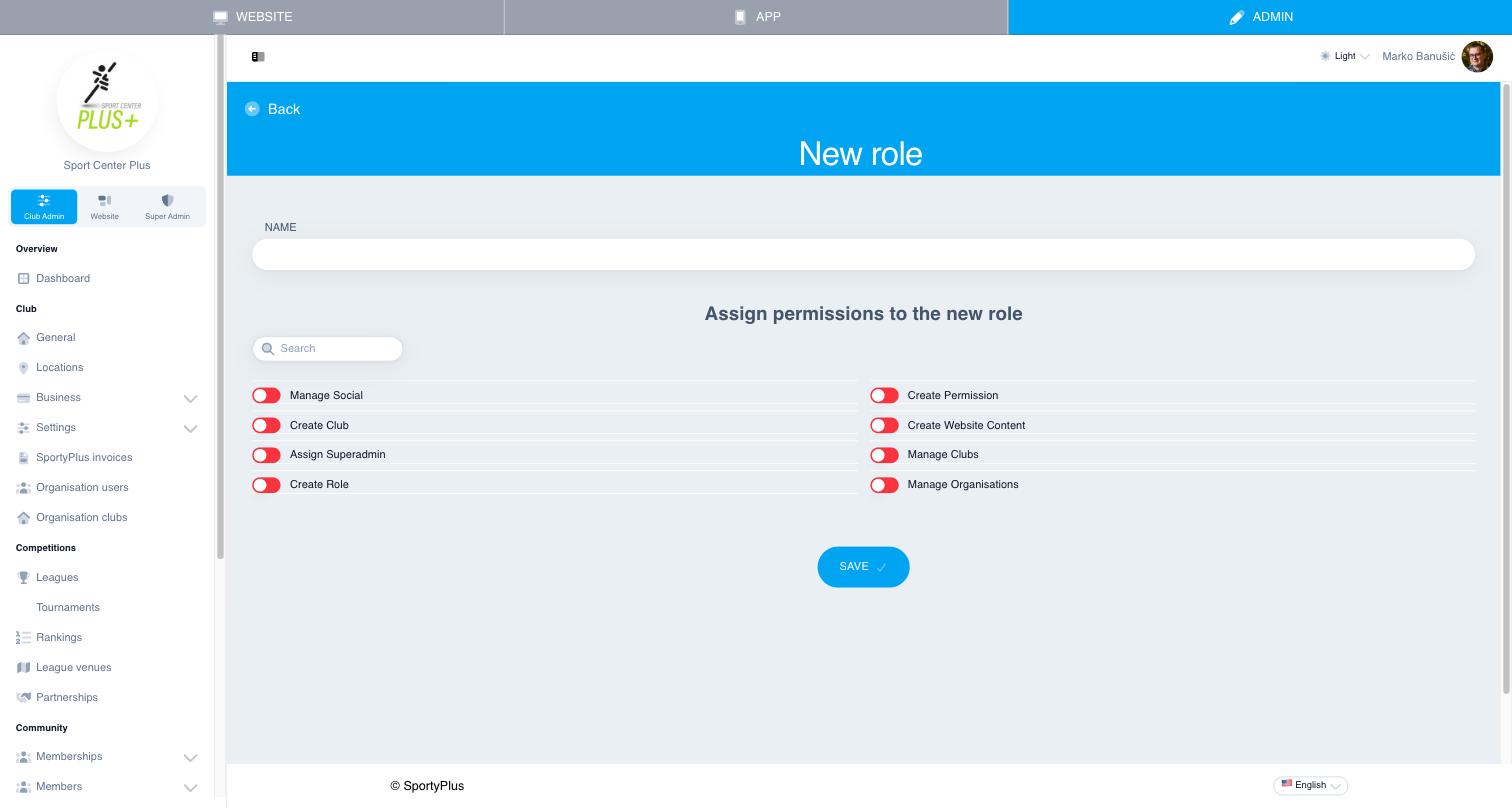
Club Admin → Settings → Roles lists your club's roles. To create one, choose Create new, give the role a Name, switch on the permissions it should grant, and Save.
To give a person a role, open them under Members → Member list, choose edit, switch the role on under Assign role to member, and Save.