Sign-up and legal pages
Sign-up options
Club Admin → Settings → Signup
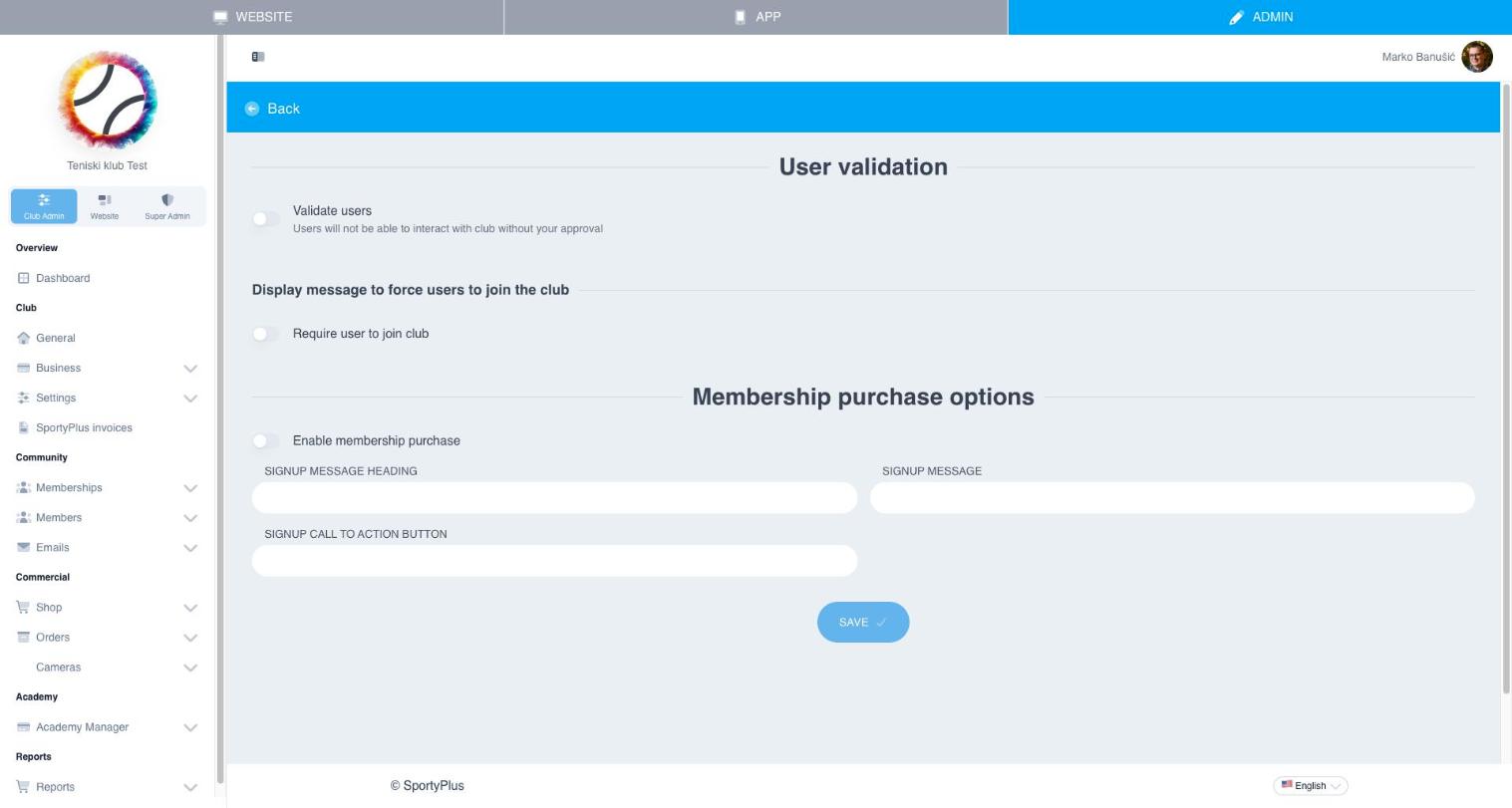
User validation
Validate users makes every new sign-up wait for your approval. Until you approve them, they can't book or buy anything at your club. Approve or reject them under Members → Pending requests. Use it for private clubs, and leave it off if anyone may play.
Asking people to join
Require user to join club shows a message to visitors who have a SportyPlus account but haven't joined your club yet. When it's on, write the Signup message heading and Signup message.
Membership purchase
Enable membership purchase offers a membership during sign-up. Write the heading and message to show with it.
Press Save.
Legal pages
Club Admin → Settings → Legal tells SportyPlus which of your website pages are your terms and conditions and your privacy policy. They are linked at registration, at checkout, and in other places members agree to them.
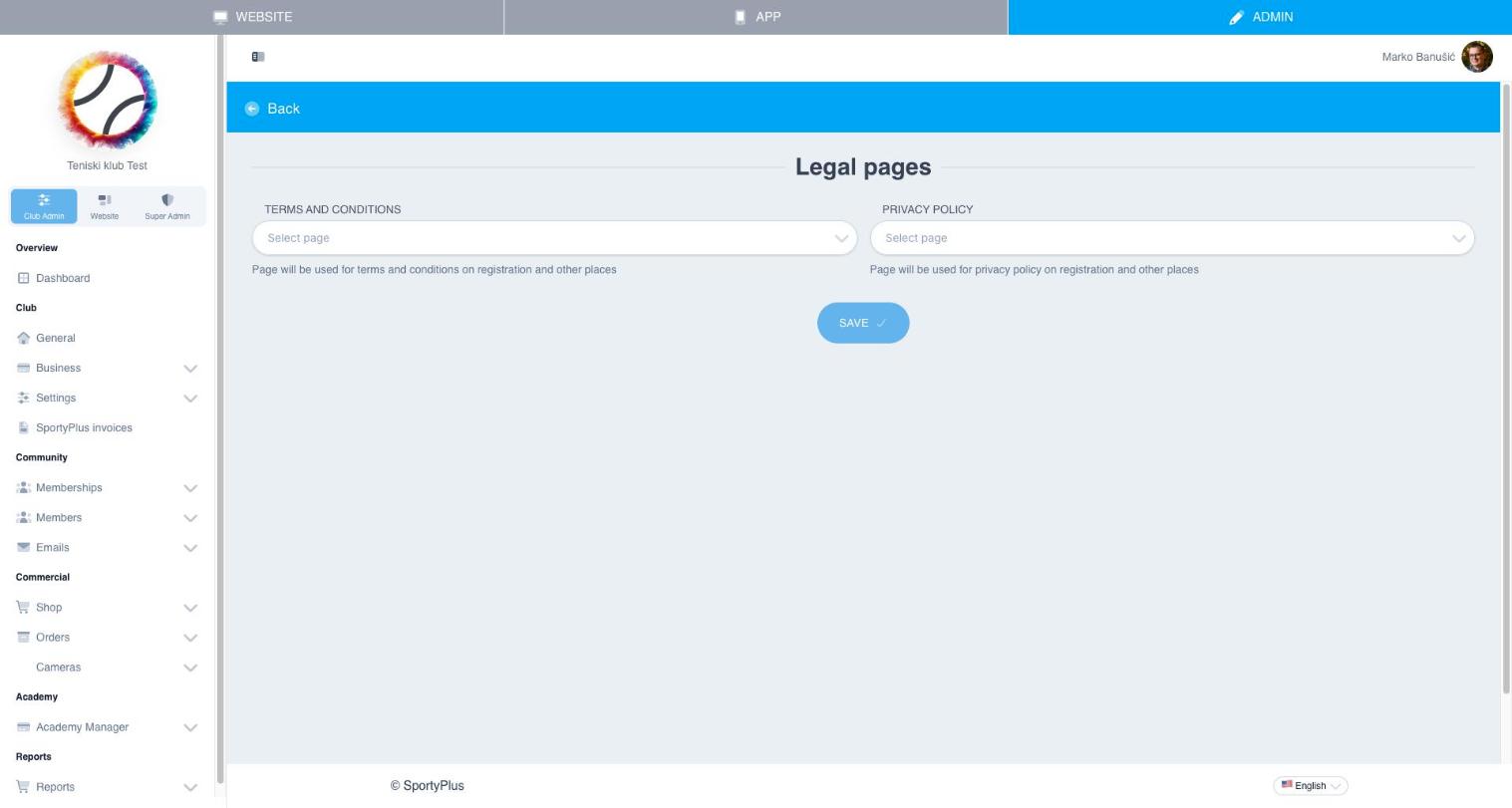
- Create the two pages first, under Website → Pages (see Pages). If a page doesn't exist yet, the Create page here link under each field takes you there.
- Come back and pick each page from its list.
- Save.